Maya was an eight-year-old who loved learning new things. She enjoyed reading interactive books, solving puzzles, drawing colorful pictures, and watching educational videos about animals and space. Whenever she finished her homework, her parents allowed her to spend a little time using the family computer.
To Maya, the internet felt like a giant library filled with exciting discoveries.
She could learn how butterflies changed from caterpillars, listen to stories read aloud, or explore maps of countries around the world.
Every time she opened the computer, she found something interesting.
Her parents were happy that Maya enjoyed learning.
They also wanted to teach her how to stay safe online.
One Saturday morning, Maya asked,
“Can I use the computer after breakfast?”
“Of course,” Mom replied.
“But let’s review our online safety rules first.”
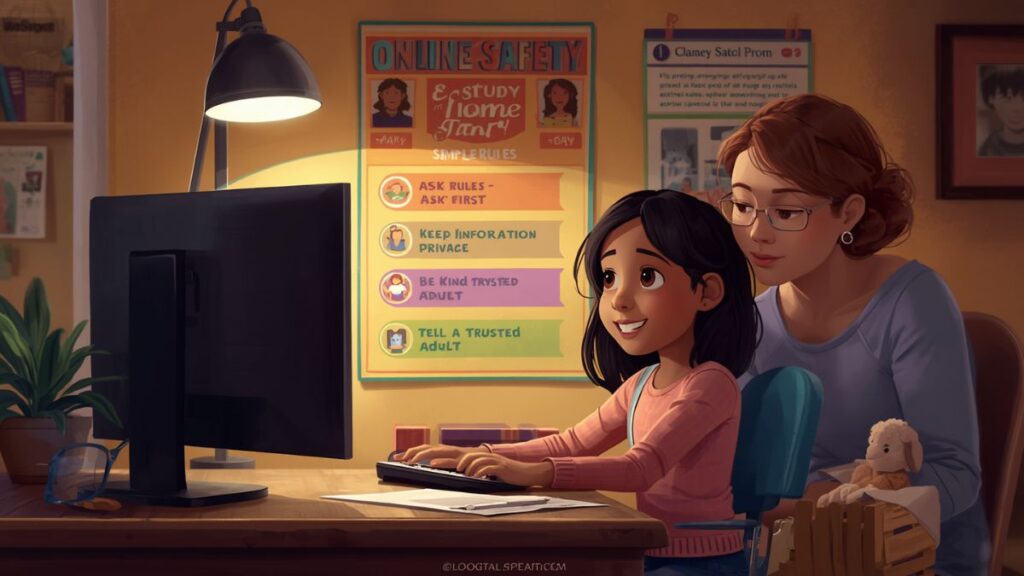
Mom pointed to a colorful family poster beside the computer.
It listed five simple reminders.
Ask before visiting a new website.
Keep personal information private.
Choose kind words online.
Tell an adult if something feels wrong.
Take breaks from the screen.
Maya smiled.
“I remember those.”
She logged in and opened one of her favorite educational websites.
After reading about sea turtles, a colorful advertisement appeared on the side of the screen.
It promised a free game.
Maya became curious.
She almost clicked it.
Then she remembered the first family rule.
Ask before visiting a new website.
She called,
“Mom, can you look at this?”
Mom walked over.
“Thank you for asking first.”
She explained that not every website is made for children.
Together they returned to Maya’s learning activity.
Later that afternoon, Maya played an online spelling game.
The game asked players to type their full name and home address to earn extra rewards.
Maya paused.
She remembered another rule.
Keep personal information private.
Instead of typing anything, she asked Dad for help.
Dad smiled.
“You made a smart choice.”
He explained that children should never share personal information online without a trusted adult’s permission.
Maya nodded.
“I’m glad I asked.”
The following week, Maya and her older cousin Liam worked together on a science project.
They searched for facts about planets using the family computer.
Liam suggested opening a new website.
Maya smiled.
“Let’s ask Aunt Sarah first.”
Her aunt approved the website after checking it.
Together they safely found all the information they needed.
One rainy afternoon, Maya watched an educational video about dolphins.
She wanted to leave a comment saying how much she enjoyed it.
Before typing, she remembered another family rule.
Choose kind words online.
She wrote,
“I learned so much about dolphins. Thank you for sharing this video.”
Mom smiled.
“Kind words make the internet a friendlier place.”
A few days later, something unexpected happened.
While searching for pictures of butterflies, Maya accidentally opened a page that confused her.
She didn’t know what it was.
Instead of trying to fix it herself, she remembered another important rule.
Tell an adult if something feels wrong.
She immediately walked to Dad.
“I found something that doesn’t seem right.”
Dad thanked her for telling him.
He closed the page and reminded Maya that asking for help is always the right choice.
“You’ll never be in trouble for telling me,” he said.
Maya smiled with relief.
The following weekend, Maya’s teacher, Mrs. Johnson, introduced a digital citizenship lesson at school.
She asked the class,
“What does it mean to be safe online?”
Many hands went up.
“It means asking an adult.”
“It means being kind.”
“It means keeping private information safe.”
When it was Maya’s turn, she said,
“It also means telling a trusted adult if something makes you uncomfortable.”
Mrs. Johnson smiled.
“Excellent answer.”
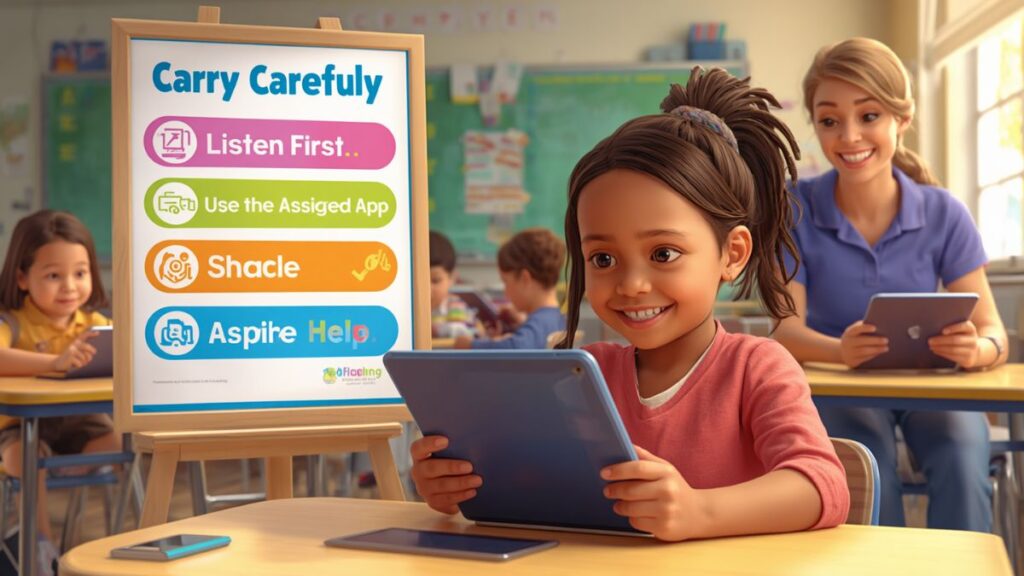
The class created colorful posters about online safety.
Maya’s poster included five pictures.
A computer.
A lock.
A smiling face.
An adult helping a child.
A clock reminding students to take screen breaks.
The posters decorated the classroom walls.
One evening, Maya spent nearly an hour reading digital books.
When the timer rang, she looked disappointed.
“I want to keep reading.”
Mom smiled.
“The books will still be there later.”
She pointed to the final family rule.
Take breaks from the screen.
Maya stretched her arms.
Then she went outside to play with her dog in the backyard.
She realized the break made her feel refreshed.
The next month, Maya helped her younger brother Ben use the family tablet.
Ben wanted to download a new game.
Maya smiled.
“Let’s ask Mom first.”
Mom approved a safe educational game.
Ben happily downloaded it.
“You remembered our family rule,” Mom said.
Maya nodded proudly.
As the weeks passed, Maya became more confident every time she used technology.
She no longer clicked unfamiliar links without asking.
She never shared personal information.
She spoke kindly online.
She asked for help whenever she needed it.
She balanced screen time with outdoor play, reading, and family activities.
One afternoon, Mrs. Johnson organized an Internet Safety Challenge.
Students worked in teams to answer questions.
“What should you do before visiting a new website?”
“What information should stay private?”
“What should you do if something online worries you?”
Maya’s team answered every question correctly.
Mrs. Johnson smiled.
“You’ve become responsible digital citizens.”
Near the end of the school year, every student created a presentation about safe technology habits.
Maya shared the five family rules that had helped her all year.
Her classmates listened carefully.
Several students said they planned to use the same ideas at home.
Mrs. Johnson smiled proudly.
“Small safety habits make a big difference.”
On the last day of school, each student received a special certificate.
Maya’s certificate read:
“Smart and Safe Digital Citizen.”
Mrs. Johnson smiled warmly.
“Maya has learned how to make thoughtful choices online while showing kindness, responsibility, and respect.”
The class applauded.
Maya proudly accepted her certificate.
That evening, she looked at the colorful family poster beside the computer.
The five simple rules had become habits.
She no longer needed constant reminders.
She understood that the internet was an amazing place for learning, creativity, and discovery.
But just like crossing the street or riding a bicycle, it was important to make safe choices.
By asking trusted adults for help, protecting personal information, using kind words, and taking healthy breaks, she could enjoy technology confidently and responsibly.
From then on, every time Maya turned on the computer, she remembered one simple promise.
“I can be curious, kind, and safe online.”
That promise helped her become not only a better learner but also a thoughtful digital citizen who used technology wisely every single day.
Moral: Making safe choices online means protecting your personal information, asking trusted adults for help, being kind to others, and using technology responsibly so learning stays fun and safe.